Are Accessibility Overlays Worth It for Product Photos?
Follow one photo through AudioEye's built-in image rule. See what gets copied, what gets written and what stays blank.
An accessibility overlay is worth it for product photos only if it gives each photo a real description, so check what yours writes and where it saves it. We read one tool's rule: AudioEye's built-in fix for a missing image name can copy a title attribute that already exists, and it has nothing to copy on an ordinary photo with no alt and no title. AltText.ai writes a description from the image and your product data and saves it to your store's own record, so your theme can print it in the HTML your server sends.
An accessibility tool can fill a field without creating the information you expected. For a product photo, the useful question is where the words came from and what they tell the shopper. We read the image rules in AudioEye's public scanner when we wrote this, and these figures show what we found. AudioEye covers far more than images, so the last sections say when each tool fits.
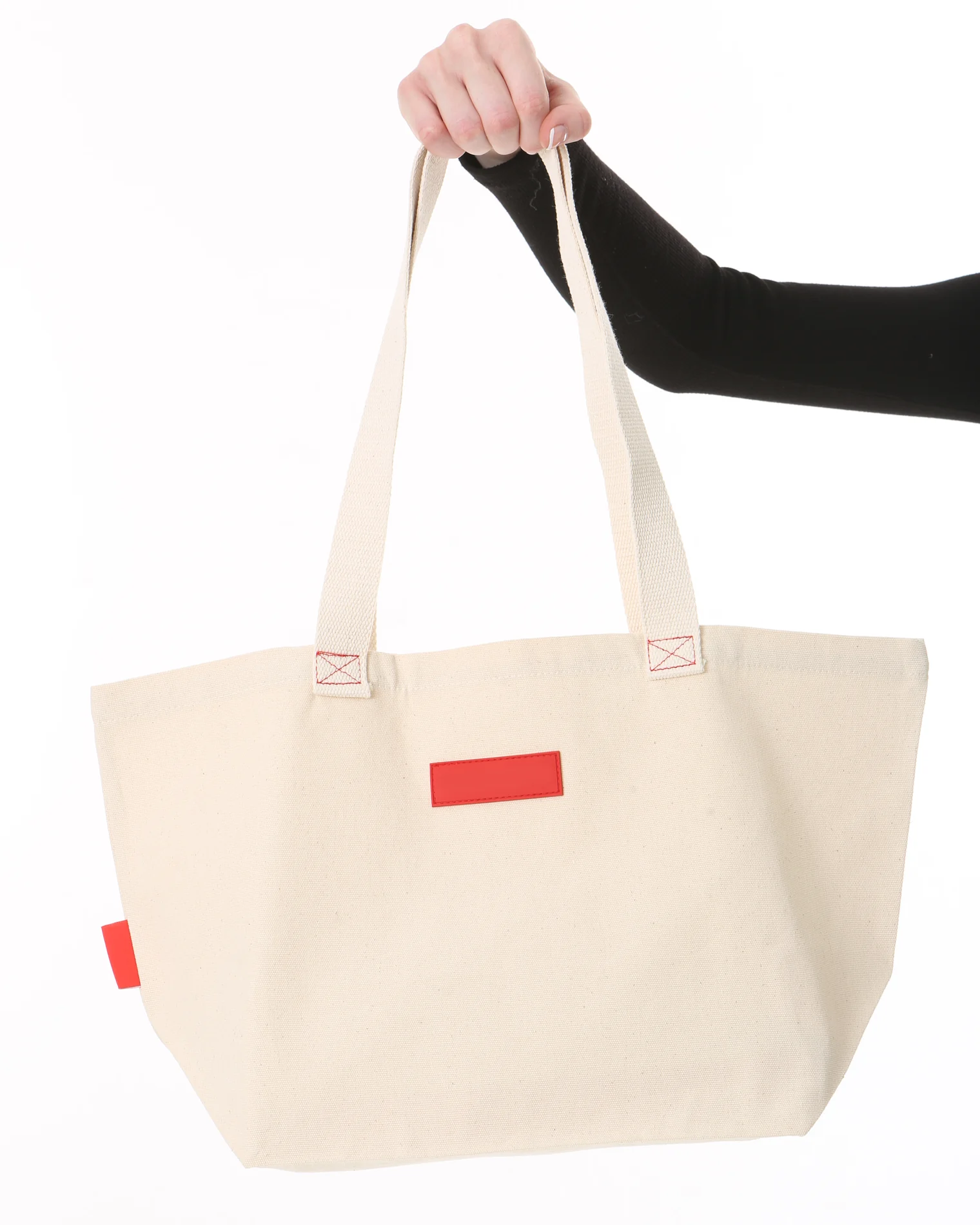
One sample product photo. The picture never changes.
Already attached to the image
title="Canvas tote bag"
AudioEye's reviewed fix copies this text.
After the rule runs
alt="Canvas tote bag"
Before this example, alt held spaces only, which fails the test and runs the fix.
What this misses
The photo's details are still missing.
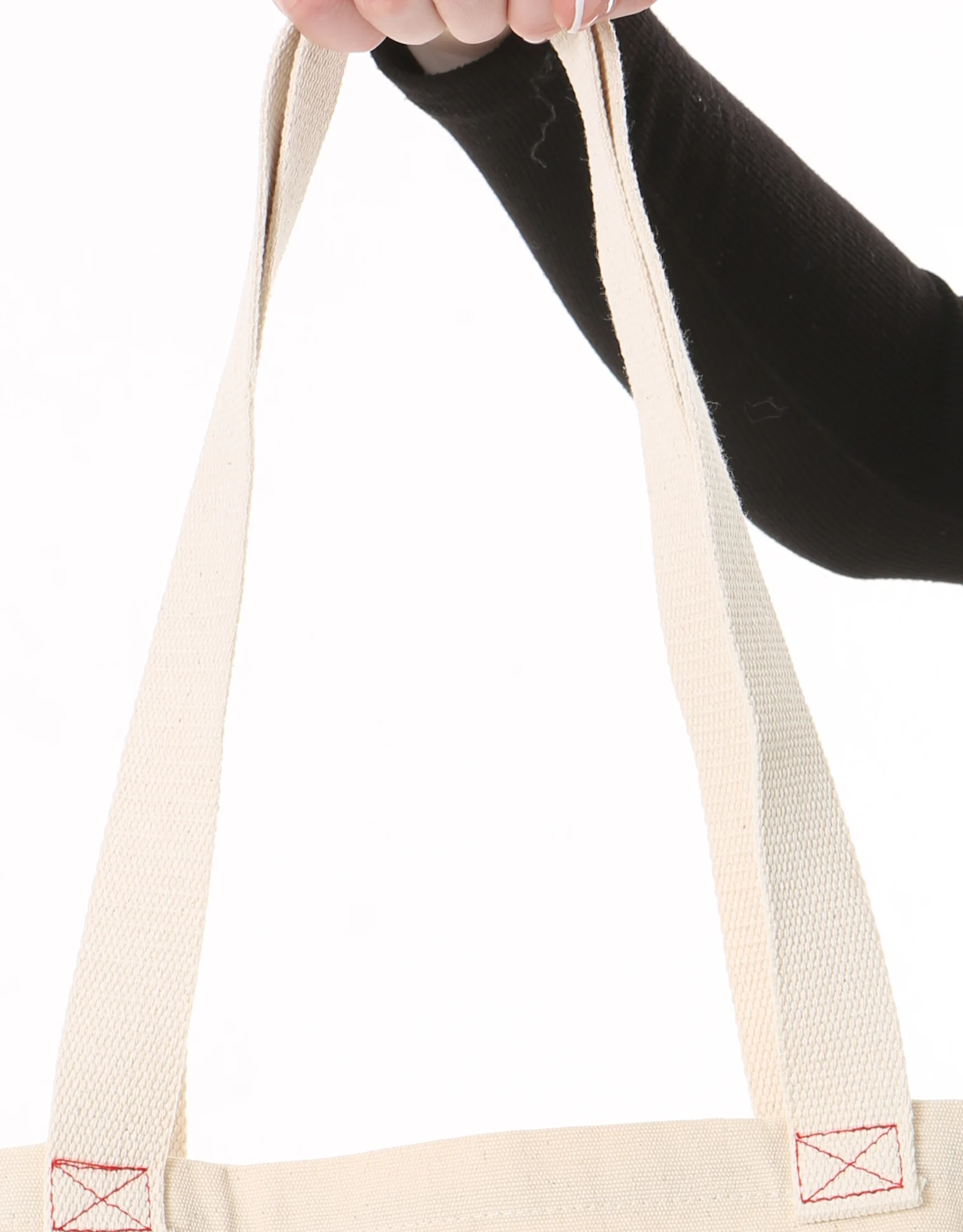
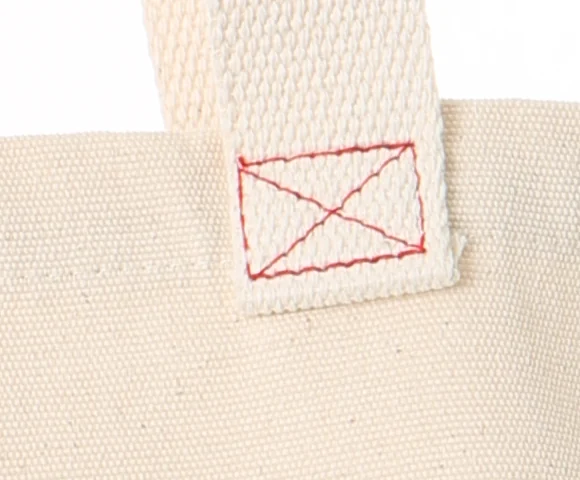
"Canvas tote bag" names the product. It says nothing about the natural canvas, cream webbing handles or red stitching you can see.
Already attached to the image
no title, no alt
The test fails. The fix finds nothing to copy and returns skip.
After the rule runs
no alt attribute
This is the ordinary case for a photo nobody labeled.
What this misses
No description was written.
The fix never looks at the picture, so a photo with no title stays without alt text.
Already attached to the image
alt=""
The test passes on the empty value, so no fix runs.
After the rule runs
alt=""
Empty alt marks an image as decorative, whether or not it is.
What this misses
The check passes and the field stays empty.
A screen reader skips this photo, and the shopper never hears what it shows.
Img_Name_Missing rule. Checked against the rule's code, not a test on a merchant's website. Photo: CC0 from Wikimedia Commons, logo removed.
What does AudioEye's built-in fix do with a product photo?
It copies a qualifying title when the test fails and a title exists, and otherwise it writes nothing. A fix like that can repair a missing name, since a useful title is still useful in alt. It can't add what the title never said. Switch the figure to No title to see the ordinary case: a photo with no alt attribute and no title fails the test, and the fix has nothing to copy, so it returns skip.
Does a passing check mean the photo was described?
No. In this rule, an empty alt="" passes before any fix runs. W3C tells authors to use an empty alt on decorative images "so that they can be ignored by assistive technologies", so the rule is defensible for a divider. The same attribute can sit on a product photo nobody described, and WordPress's image function prints the stored alt value even when nothing is stored.
A decorative divider
Skipping it usually loses no information.
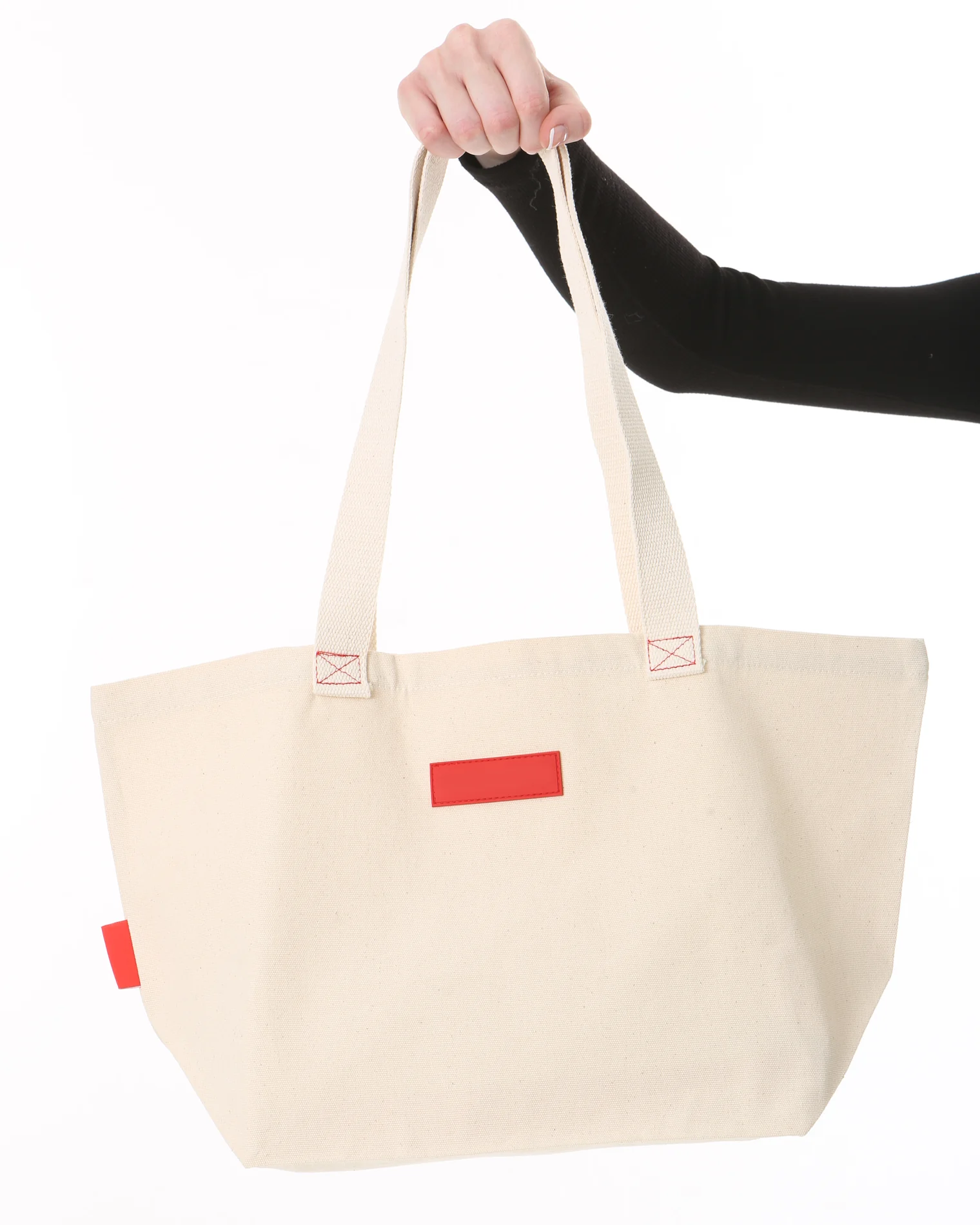
An informative product photo
Skipping it may lose details the shopper needs.
What the missing-name check sees in both
alt=""
- This missing-name check
- Pass
- Description added
- None
Img_Name_Missing rule. W3C decorative images tutorial. This is one rule's result, not a whole-site score.
A pass here tells you how one rule treats one attribute. It's not a whole-site score, and it doesn't prove the photograph was described.
What do numbered labels tell a shopper?
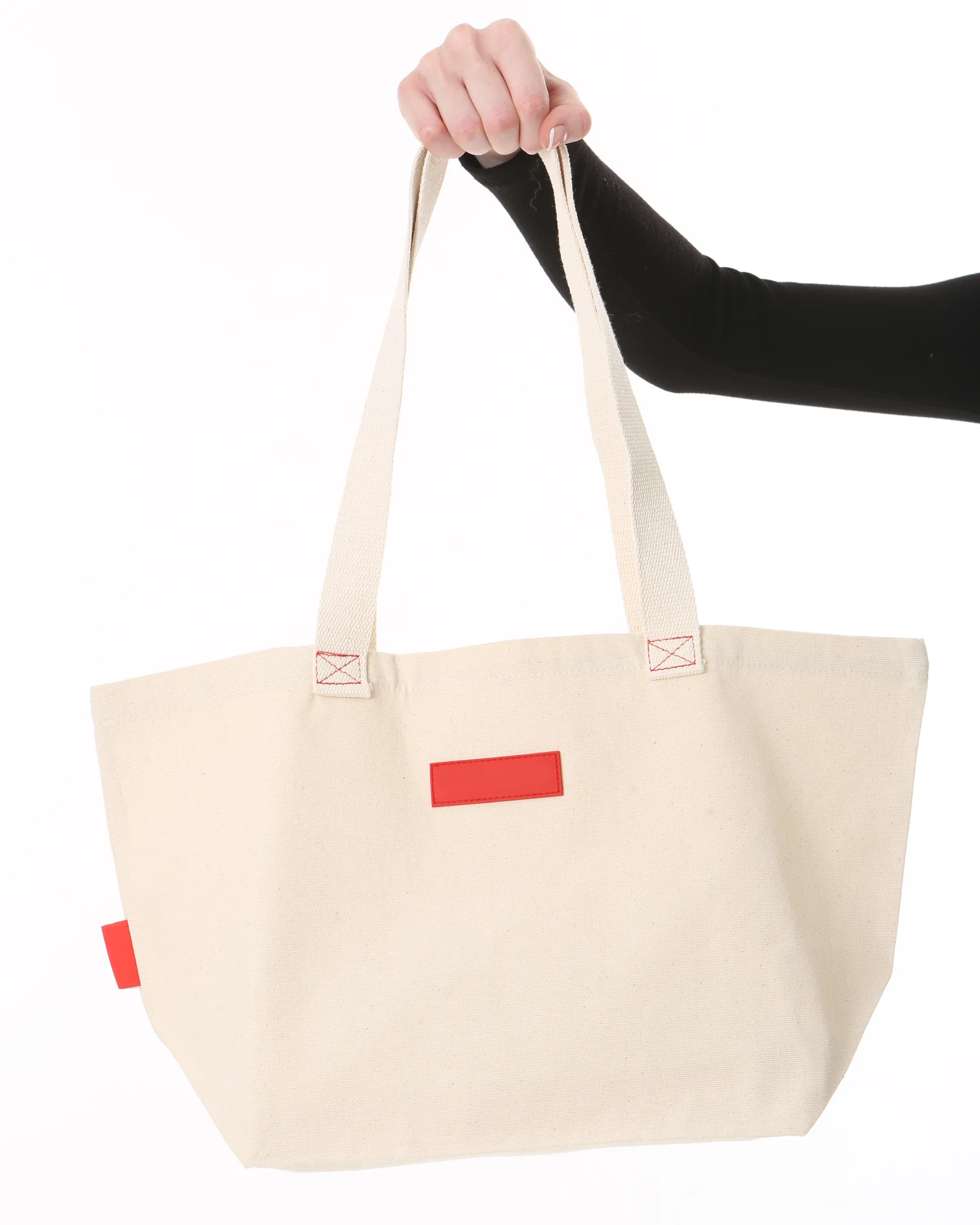
They tell the shopper which photo comes next, and not what's in it. One AudioEye gallery template we reviewed, written for an automotive site, builds alt text from the page's first heading, the word Image and a counter. That names the product, and it's more than nothing. The figure applies the same pattern to three views of one bag.
-
Full view
Canvas tote bag Image 1
-
Handle detail
Canvas tote bag Image 2
-
Stitching detail
Canvas tote bag Image 3
The number changes. The label never says which detail the picture shows.
-
Full view
Natural canvas tote held up by its handles
-
Handle detail
Long cream webbing handles rising from the bag
-
Stitching detail
Red box stitching where a handle meets the canvas
Now each label says what is different about that view.
The heading-and-counter pattern comes from one automotive template in AudioEye's public front-end code. The descriptions are written examples, not recorded AltText.ai output.
Where does the text live?
It lives either in a script running in the visitor's browser or in your store's image record. A browser script can add text after a page arrives, and screen readers and Google, which renders JavaScript, can read it there. Vercel's December 2024 measurement found that "none of the major AI crawlers currently render JavaScript", so they read what your server sends. Saved alt text reaches all of them, as long as your theme prints the field.
Browser-applied label
Image record
No saved alt text
Script adds the label
Canvas tote bag
AltText.ai with a CMS-writing integration
Image record
Natural canvas tote with cream handles
Theme prints it in the HTML
Natural canvas tote with cream handles
With the script running, both paths can supply text to the browser. Only the second has saved a description in the image record.
Browser-applied label
Image record
No saved alt text
No script runs on this load
No description added
AltText.ai with a CMS-writing integration
Image record
Natural canvas tote with cream handles
Theme prints it in the HTML
Natural canvas tote with cream handles
Without the script, the first path has nothing to show. The saved description still arrives in the HTML.
Simplified model starting with no saved description. AudioEye can also guide fixes at source. AltText.ai's InstantAlt is a browser snippet too; the second path applies to integrations that write to the CMS, such as Shopify and WordPress. A theme must print the saved field.
A browser script isn't the wrong tool for everything. It's fast to install and can fix things a CMS can't reach, and AltText.ai's own InstantAlt is a browser snippet. For a photo description you want to keep, the saved record is the safer place, and on Shopify and WordPress that's where AltText.ai puts it.
What does a description add?
It adds the details you can point to in the picture. AltText.ai generates text from the image with your product context, such as the title, brand and description, and you can review it before relying on it. Compare the words in the figure with the photo.
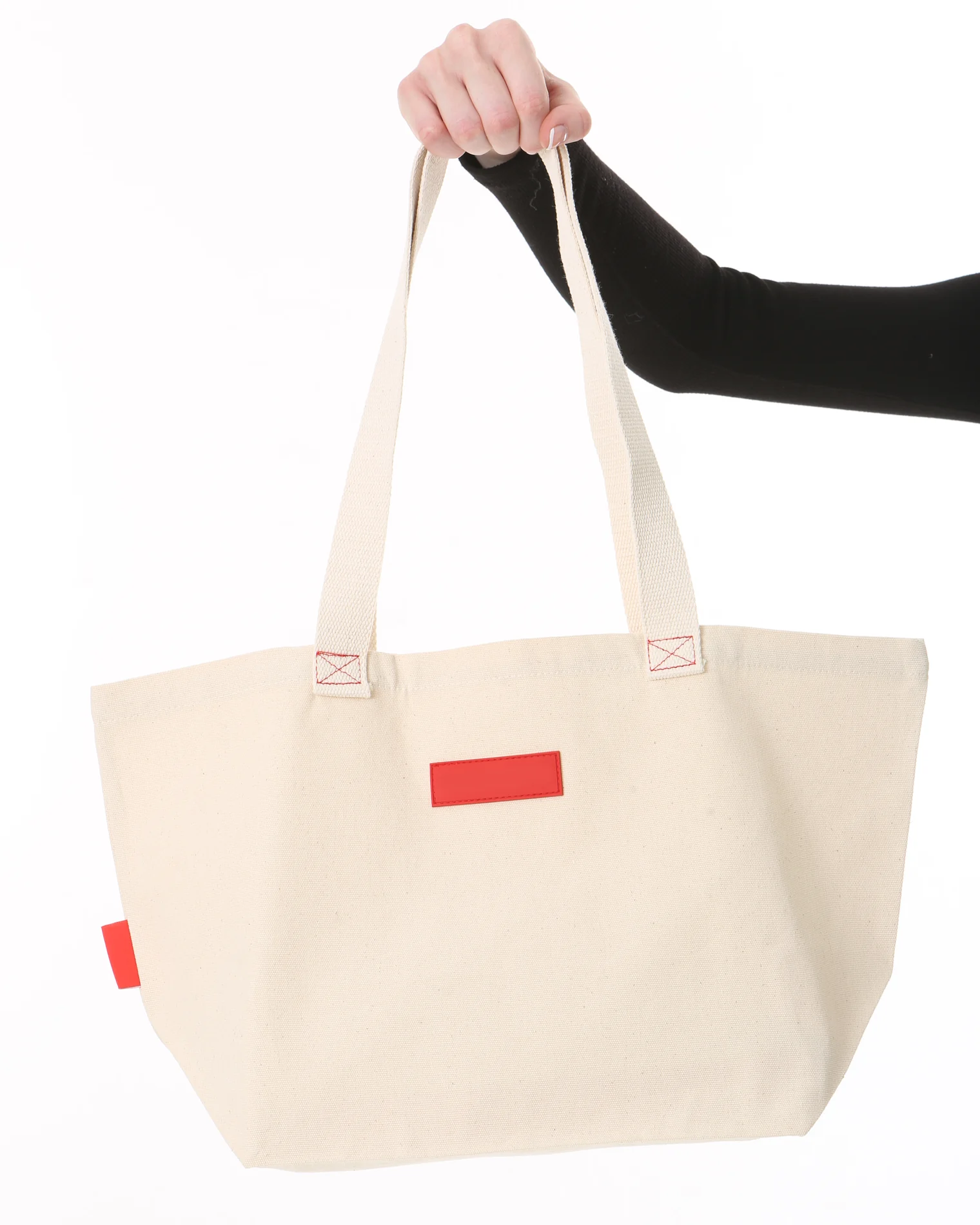
"A natural canvas tote with long cream webbing handles, a small red label and red box stitching where the handles join the bag."
- 1 The color and material describe the bag.
- 2 The handle detail says what the straps are like.
- 3 The stitching is a detail the product title left out.
- Generate
- Review against the photo
- Save
- Check the delivered page
Written for this article to show the idea. It is not recorded AltText.ai output.
Product context helps with what a picture can't establish, such as a material or a model name. Check generated wording against the photo before you save it, and check the delivered page afterward.
Which tool fits which job?
AltText.ai fits the image-description job, and AudioEye is built for a much broader one. A good description doesn't repair a keyboard trap, and a keyboard fix doesn't explain a product photo. AudioEye's engineers write custom fixes for modals, tabs and accordions, and AltText.ai doesn't do that work.
Describe what is in the image
Generate, review and manage text for product and content images.
AltText.ai's focused job
Make the page operable
Address forms, focus, keyboard navigation and interactive components.
Part of AudioEye's broader offering
AudioEye's offering is broader than this diagram. It shows only where the two jobs differ.
You may need both. Whichever you use, ask who owns the image-description job, and don't expect any tool to promise you won't be sued. AltText.ai covers alt text for WCAG 2.1 Success Criterion 1.1.1 and nothing else on your site. Our AltText.ai vs AudioEye comparison covers scope, human review and ongoing coverage side by side.
How do you check your own store?
Pick one product with several views and keep each photo beside its description. Do the words describe this view, or repeat the product name? Do the color, material and visible features match? Then confirm the description reaches the page:
curl -s https://your-store.com \
  | grep -o 'alt="[^"]*"'
Whatever prints is in your source HTML. On Shopify, the AltText.ai app can fill only missing alt text or overwrite everything, and it holds a 4.5 rating on the Shopify App Store. On WordPress and WooCommerce, the AltText.ai WordPress plugin writes alt text on upload and in bulk, and it holds a 4.7 rating on WordPress.org. AltText.ai plans start at $5 a month or $49 a year, and your first 25 images are free with no card. When we checked in November 2026, AudioEye's pricing page listed no prices.